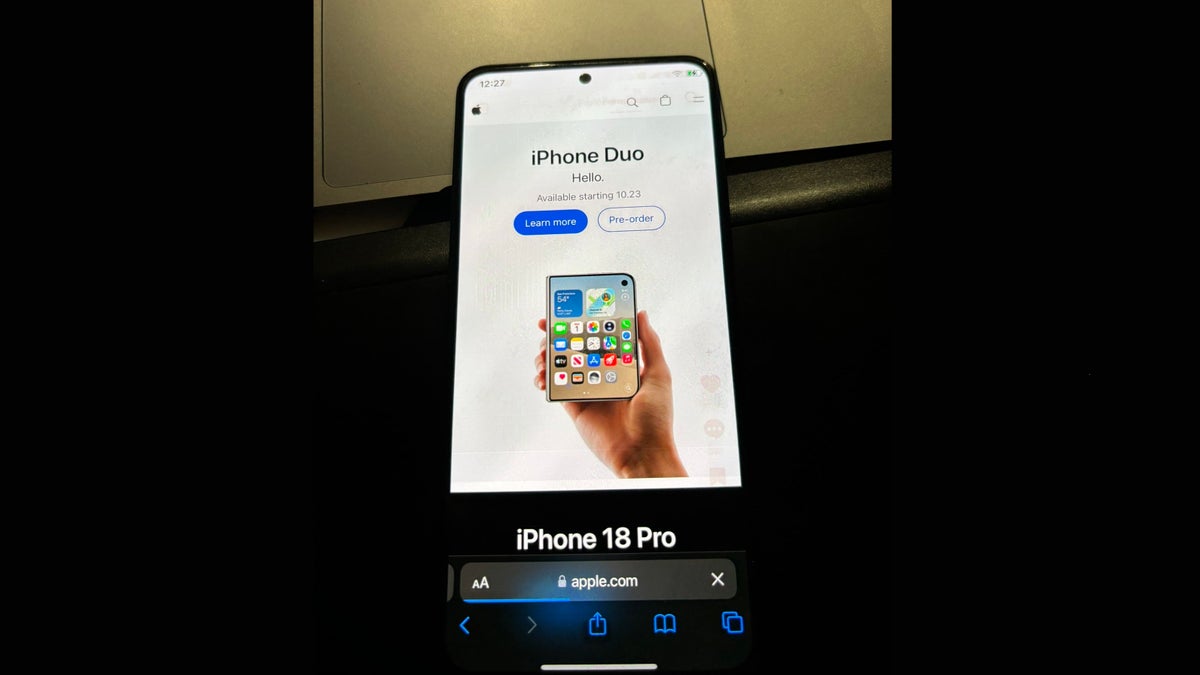
Hackios: iOS Is Now Booting Natively on Android Phones
A Hackintosh-inspired project replaces Android's Linux kernel with Apple's XNU and boots real iOS on a Redmi Note 10 Pro, Pixel 6a and Nothing Phone (3a) — with almost nothing working.
A Hackintosh for Phones
A new enthusiast movement called "Hackios" has done something that sounds impossible: booting genuine iOS on Android hardware. The name is a deliberate nod to the Hackintosh scene, which ran Apple's macOS on ordinary PCs.
Unlike the countless Android launchers and icon packs that imitate iOS, this is not a skin. The work traces back to an open-source GitHub project called ios-sweet, which replaces Android's stock Linux kernel with XNU — Apple's own kernel for iPhones.
The kernel sits at the base of an operating system, talking to both the hardware and the software above it. Swap it out, and you are no longer pretending to run iOS: you are running it.
How a Redmi Note 10 Pro Booted iOS
Booting an operating system on hardware it was never built for requires convincing the OS that it is running on the device it expects. When a phone starts up, the kernel reads a device tree — a description of every piece of hardware attached to the board.
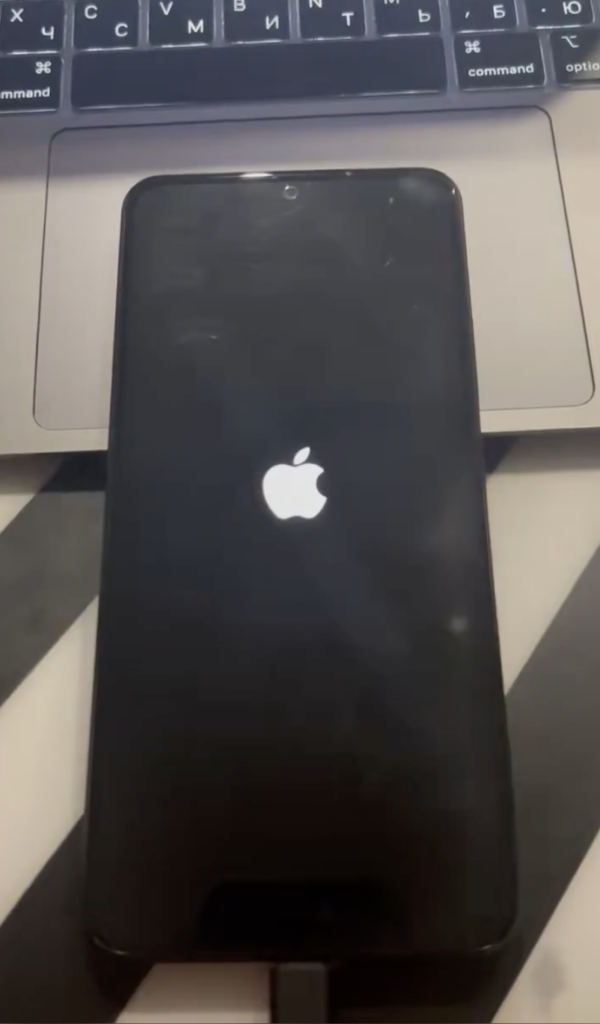
The developer copied the device tree from an iPhone X, because newer iPhone models include security features that block this kind of spoofing. He then built an XNU boot image for the Redmi Note 10 Pro using that spoofed tree, and the phone booted to an iOS lock screen.
That is the whole trick, and it explains both the achievement and the limits: the hardware below is still a Redmi, no matter what the software above believes.
What Works — and What Absolutely Does Not
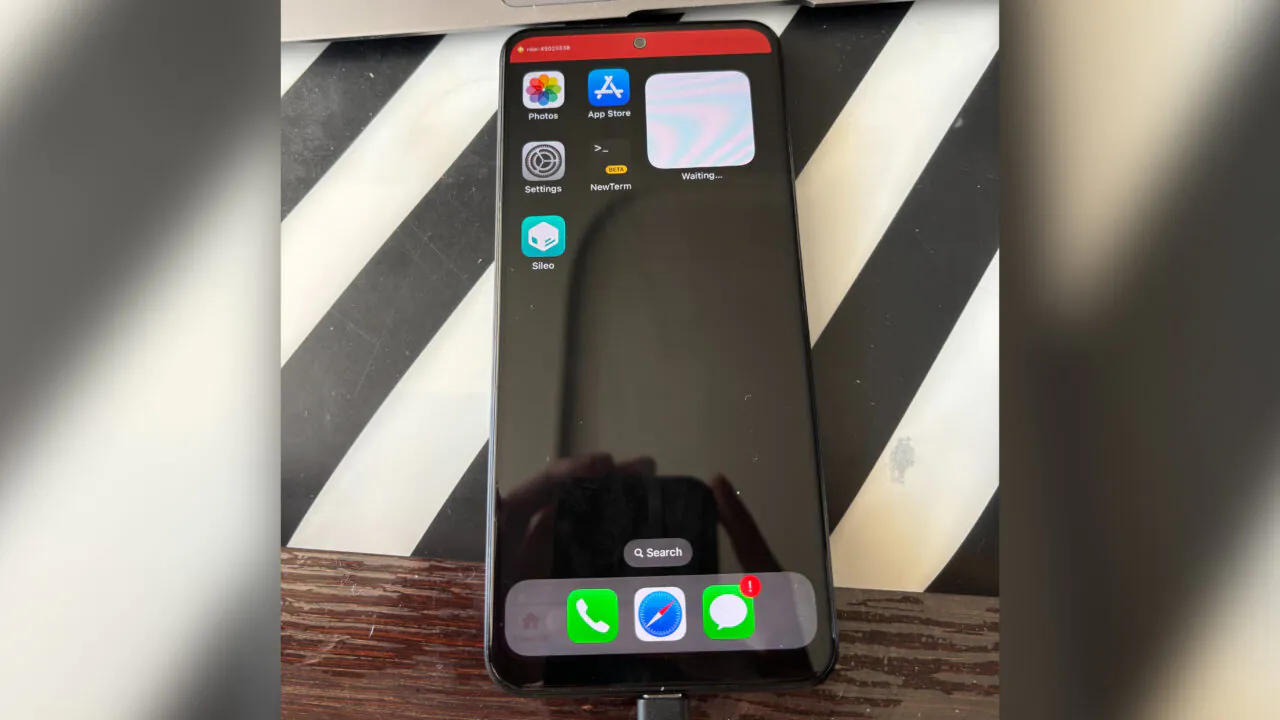
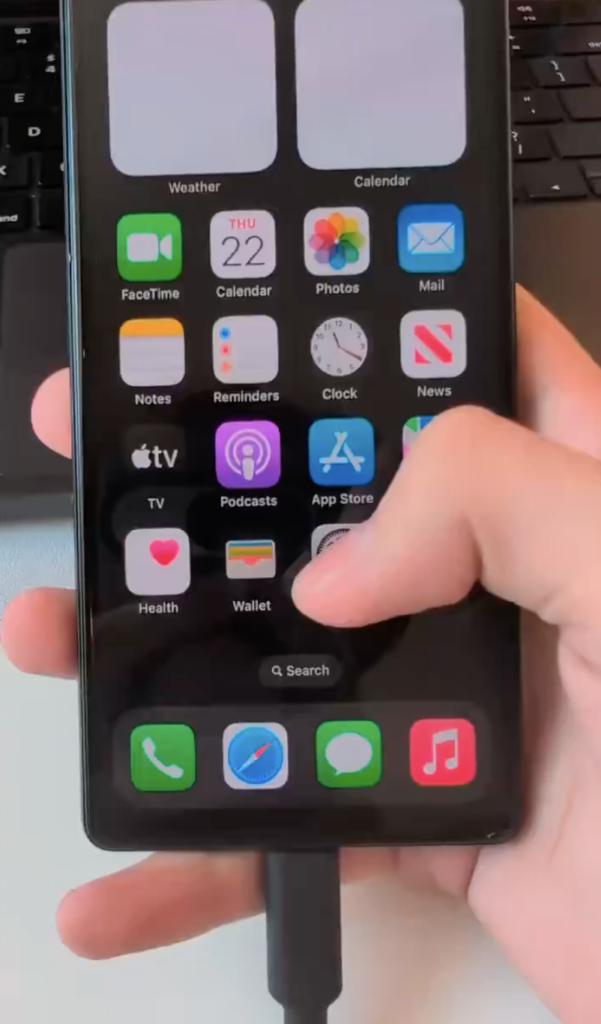
The proof-of-concept is more functional than expected on the surface. The home screen shows the built-in apps, Safari partly works, Settings opens, touch and swipe gestures respond, Control Center pulls down, and even the power and volume buttons behave. One Reddit thread shows iOS 16.7.16 booting on a Redmi Note 10 Pro.
Underneath, though, the device is disconnected from its own hardware. Everything that needs a driver Apple never wrote for this board simply does not function.
| Component | Status |
|---|---|
| Home screen & built-in apps | Working |
| Safari | Partially working |
| Settings & Control Center | Working |
| Touch & swipe gestures | Working |
| Power / volume buttons | Working |
| Wi-Fi, Bluetooth, cellular | Not working |
| Sensors (fingerprint, ambient light) | Not working |
| Cameras & speakers | Not working |
| File encryption | Not working |
- Working: home screen and built-in apps, partial Safari, Settings, Control Center, touch/swipe gestures, power and volume buttons.
- Not working: Wi-Fi, Bluetooth and cellular — there is no connectivity at all.
- Not working: every sensor, including the fingerprint reader and ambient light sensor.
- Not working: cameras and speakers.
- Not working: Apple's file encryption — so this build is not secure.
The Device List Keeps Growing
The original code targeted Snapdragon phones, but enthusiasts have pushed it much further. PhoneArena reports attempts on a Pixel 6 (Tensor chip) and even an ancient Galaxy S7 with an Exynos 8890. The GitHub repository has been updated with forks for the Redmi Note 12 Pro and LG V60, with support also listed for the OnePlus 7T, Redmi 5 Plus and Galaxy S23 Ultra.
Andro-News separately reports developer @0x0SojalSec demonstrating iOS 16.5 on three very different handsets — the budget Redmi Note 12, the mid-range Nothing Phone (3a), and the Google Pixel 6a — and notes the environment launches on the Nothing Phone and Pixel without root on the host Android system. Performance is described as fluid even on a first-generation Tensor and entry-level Xiaomi silicon.
The Redmi Note 12 fork allegedly enables sound, Wi-Fi and wallpapers, but it remains far from daily-driver usable.
Why Counterfeit iPhones Get Harder to Spot
The obvious reaction is that this is a fun curiosity. The less obvious one is that it removes the easiest way to identify a fake iPhone. Counterfeit workshops have spent years perfecting 1:1 exterior clones — titanium finishes, exact weights, retail packaging, even cloned serial numbers that pass basic web checks.
The tell was always the software. Power on a fake and you would find a cheap Android board running a laggy, badly translated iOS skin: clumsy menus, and an "App Store" that was really a wrapper around Google Play.
Andro-News argues that a real iOS environment on inexpensive Android hardware erodes that safety net. A buyer handling a device for five minutes at a pickup point could see genuine iOS animations, an authentic About screen and real Control Center toggles with no Android stutter. That is a speculative scenario — today's builds run old iOS versions on old kernels and lose connectivity entirely — but the direction of travel is clear.
How to Actually Verify an iPhone
The old advice — swipe around the home screen and see whether the animations feel right — is no longer a reliable test. Buyers outside authorised retail channels need checks that touch hardware and Apple's services rather than the UI.
- Sign in with a real Apple ID and complete an iCloud handshake.
- Download an app from the App Store and confirm it actually installs and runs.
- Test biometric hardware — Face ID or Touch ID cannot be faked by a UI layer.
- Inspect real camera output rather than trusting the camera app's interface.
- Check IMEI and serial numbers against Apple's coverage checker.
The Reality Check
None of this works on modern iPhones or modern iOS. The ports depend on older iOS versions and kernels that predate the security features designed to prevent exactly this kind of tampering. The best-case outcome is an old Android phone running an old build of iOS.
The project is a work in progress, and interest-driven efforts like this often stall once the novelty fades. PhoneArena's advice is blunt: do not try it at home unless you are prepared to permanently brick both the iPhone X donating its device tree and the Android phone being modified.
Still, the achievement is real. A community built a Hackintosh for phones, and it booted.
Sources
PhoneArena, "The impossible happened: Someone successfully booted iOS on an Android device," by Mariyan Slavov, October 22, 2026 (https://www.phonearena.com/news/someone-successfully-booted-ios-on-an-android-device_id184233).
Andro-News, "iOS Launched on Pixel, Nothing, and Xiaomi: Why Fake iPhones Will Be Harder to Spot," by Denys Penskyi, October 24, 2026 (https://andro-news.com/en/ios-launched-on-pixel-nothing-and-xiaomi-why-fake-iphones-will-be-harder-to-spot/).
Images are credited to GitHub, Android Authority, Reddit and Andro-News as noted in each caption. Project: ios-sweet on GitHub (https://github.com/dipa-studio/ios-sweet).